
01
Problem
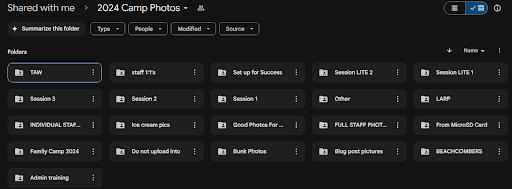
Camp Starfish takes 1,500+ photos every summer, but relies on a heavily manual Google Drive workflow to organize and share them. This process is slow, insecure, and frustrating for both camp staff and families.

Business Impact
Photos reassure families that their children are safe and having a positive experience, but delays limited opportunities to build trust, showcase the camp experience, and encourage families to return.
“We take so many photos at camp, but organizing and sharing them takes so much time that most never get seen."
— Staff Member
How might we design a scalable photo management system that improves efficiency while maintaining trust and privacy for families?
02
Solution
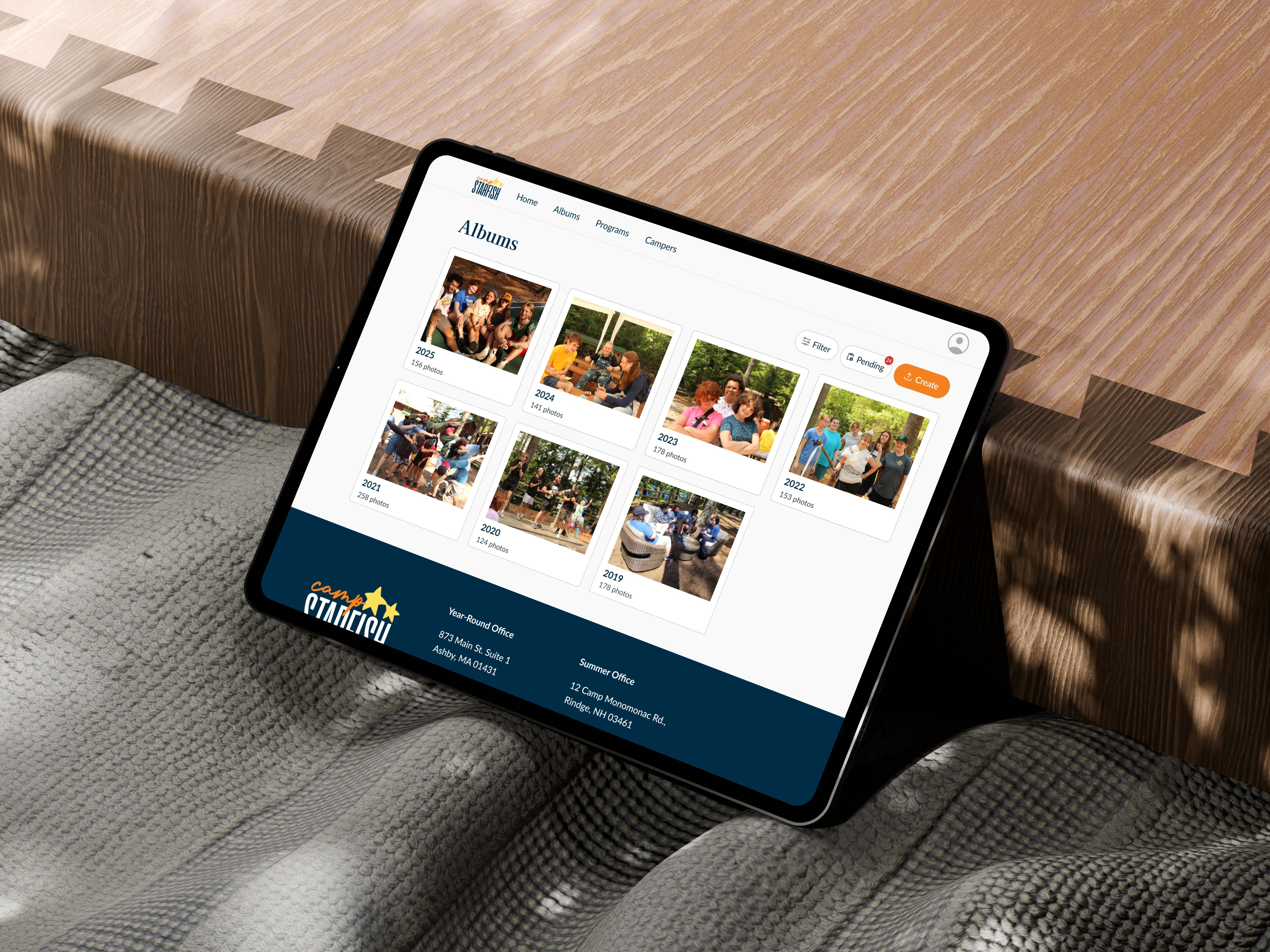
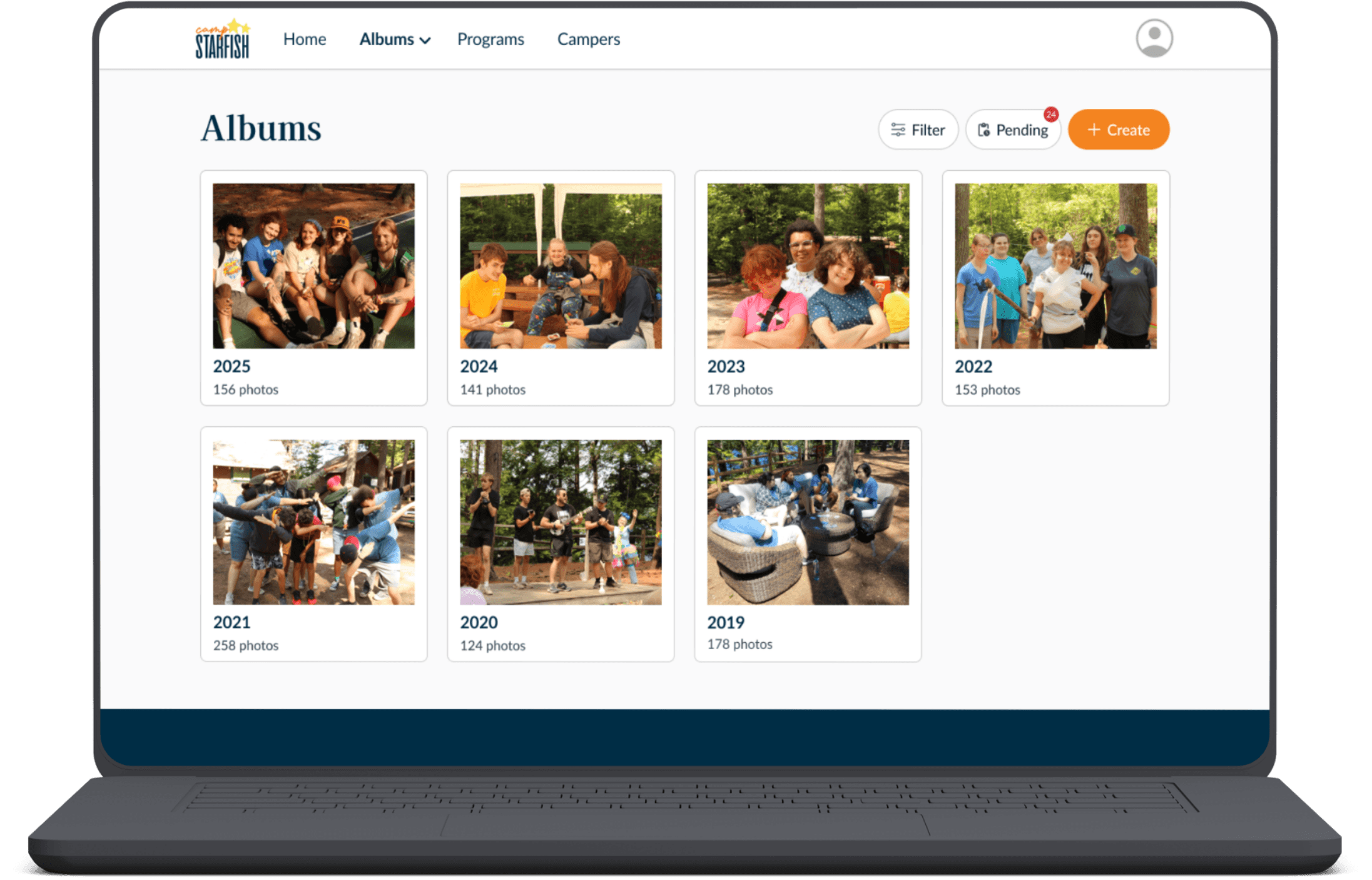
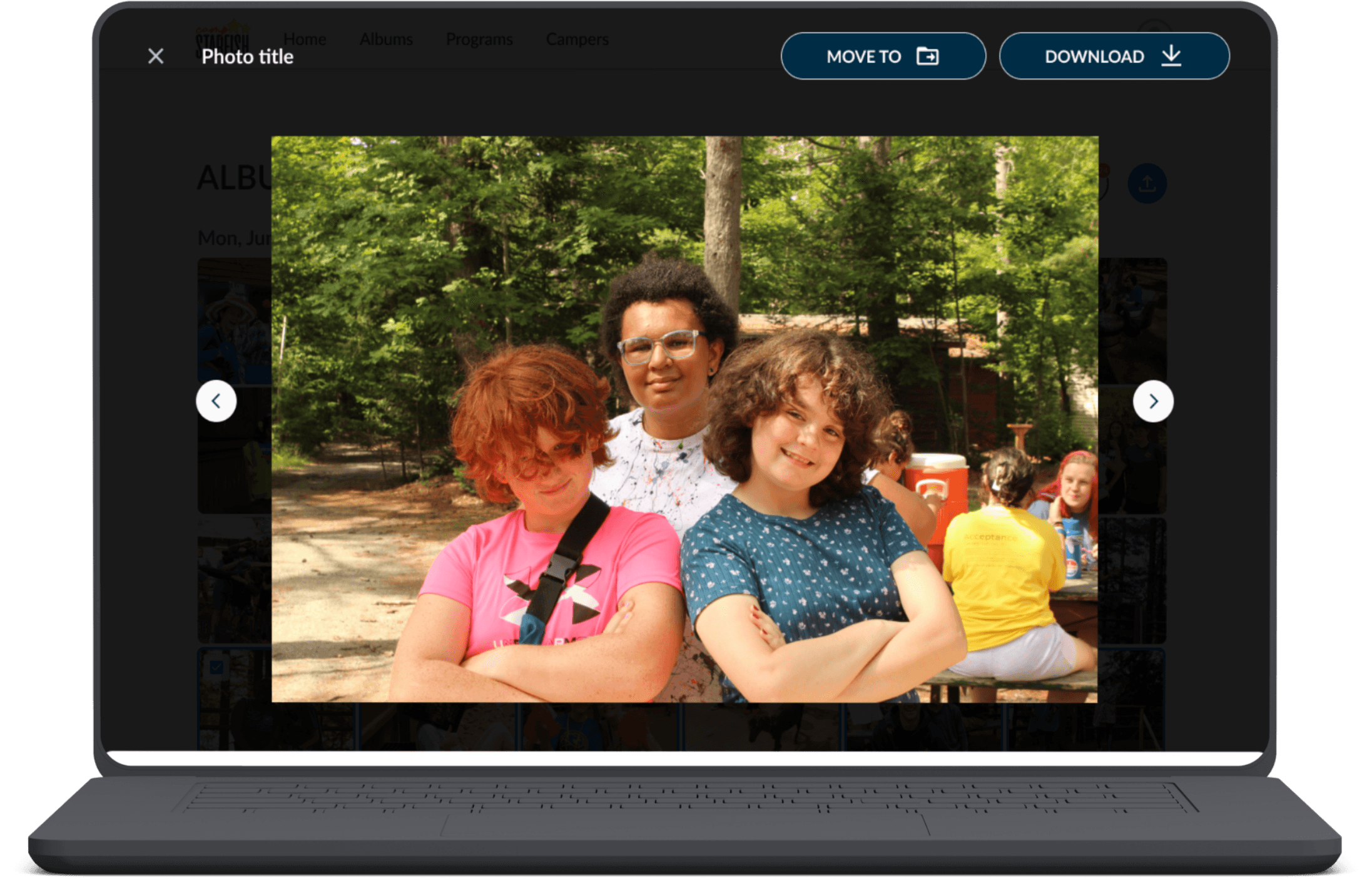
A multi-role platform that enables staff to bulk upload and tag photos, admins to review and approve content, and parents to securely access photos based on permissions.
Impact
76%
faster photo tagging
300+
users across
4 roles
$3000+
annual savings
My Role
Owned key staff and admin workflows, including photo filtering, navigation, and approval
Conducted user research and usability testing to identify pain points and validate design decisions
Partnered with PMs and engineers to navigate privacy, scalability, and technical tradeoffs
03
Research & Insights
Our Users
We designed around three primary roles: staff uploaded and tagged photos, admins reviewed and approved them, and parents securely viewed approved photos of their children.
Camp Admins
Staff & Volunteers
Parents
Key Pain Points
6 interviews revealed three recurring problems:
Tagging was the biggest bottleneck
6/6 staff described it as time-consuming. One spent 8 hours organizing and labeling photos.
Photos reached families too slowly
3/6 cited delayed access as a major source of parent frustration.
Photos were difficult to find
4/6 struggled with inconsistent labeling and nested folders.
Staff deeply valued seeing photos too.
We initially saw photo sharing as a parent-only need. Interviews revealed that staff also wanted access to camp memories, reframing the product from an administrative tool into a shared experience across user roles.
"We can only see photos if they're printed or posted online. It limits us from being able to see all of the memories we have made."
— Volunteer & Staff Member
04
Design Process
Defining Role-Based Workflows
Staff, admins, and parents shared parts of the photo workflow but required different permissions. I mapped each role’s actions to surface only what was relevant to them.
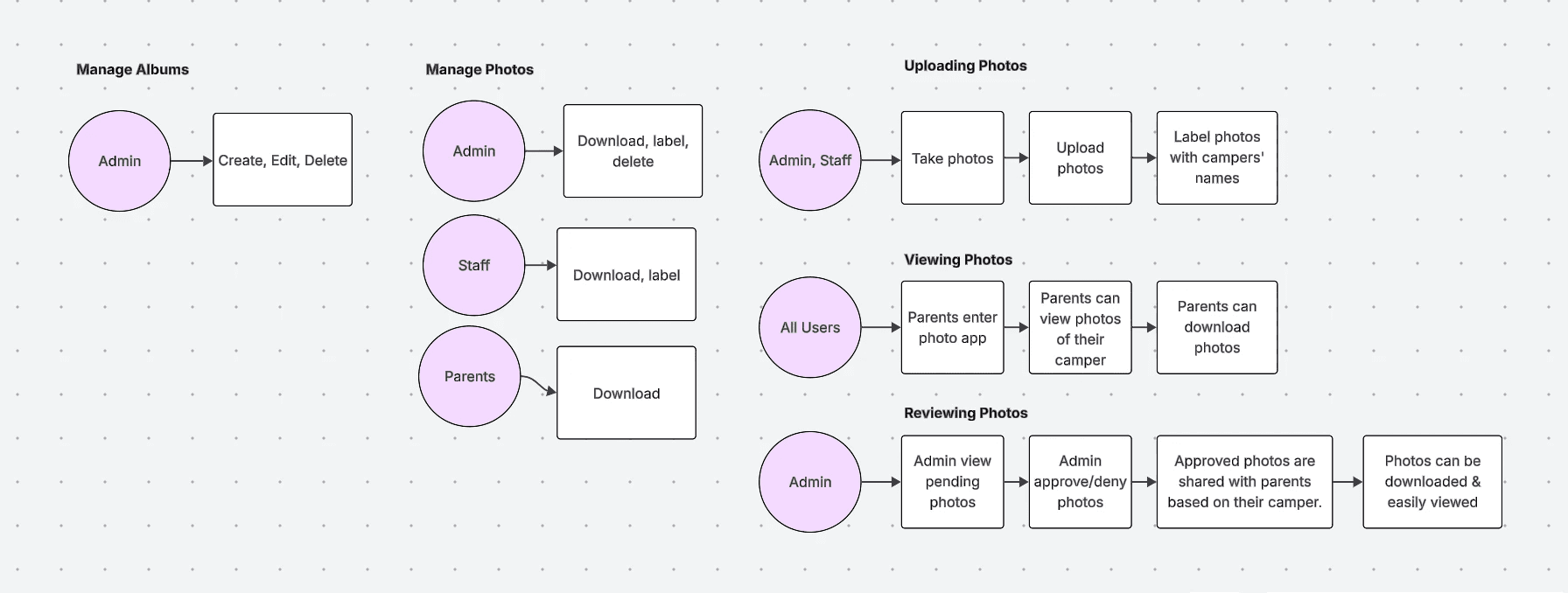
Mapping user flows in LucidChart
Critical Design Decisions
Efficiency vs. Trust: Why We Said No to Facial Recognition
Facial recognition could have sped up tagging, but introduced privacy, bias, and accuracy concerns
(especially because photos included minors).
I advocated for a manual, bulk-tagging workflow with admin approval instead. It required slightly more staff input, but reduced privacy risk, maintained transparency, and lowered engineering complexity.
Staff Tag Photos
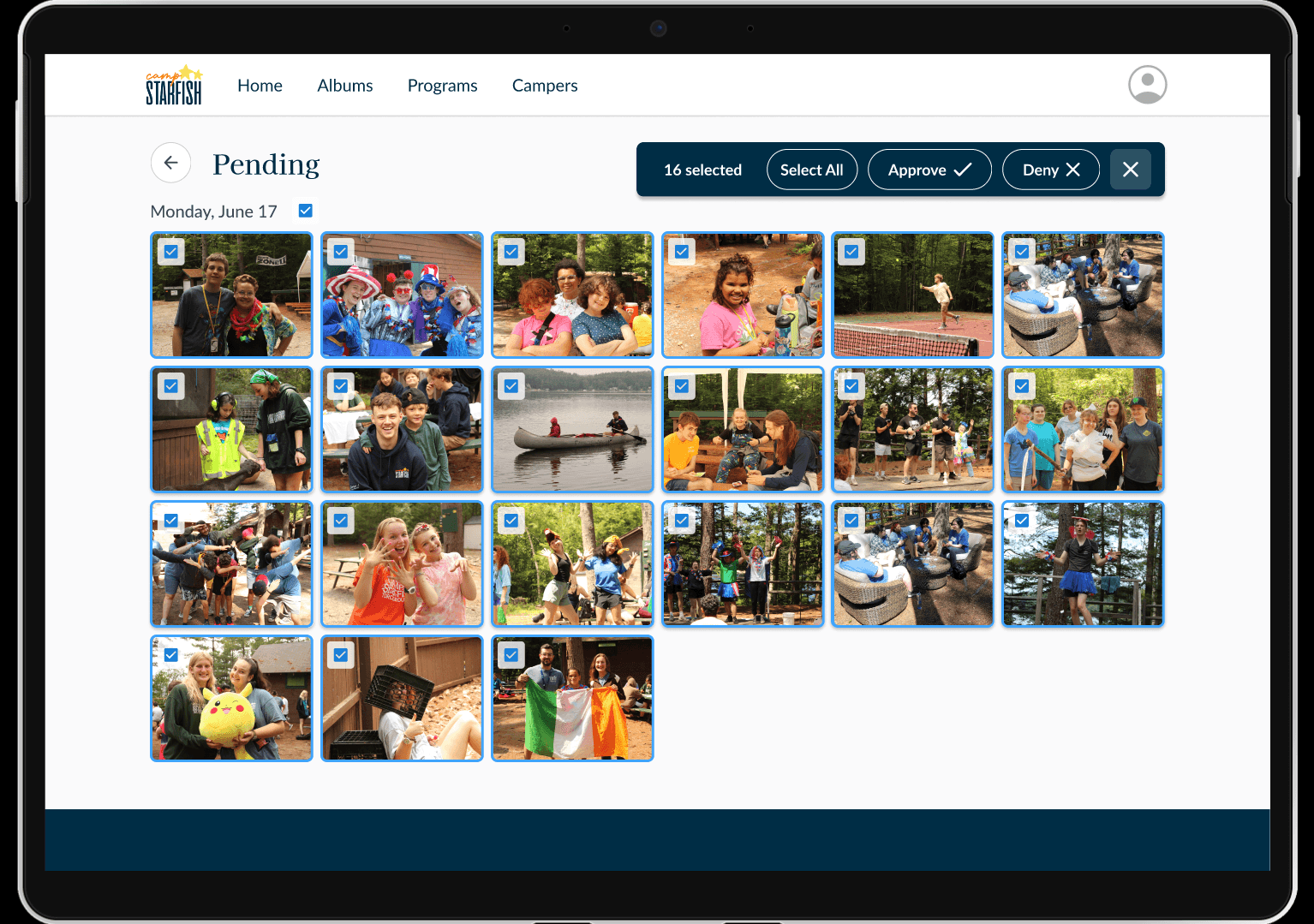
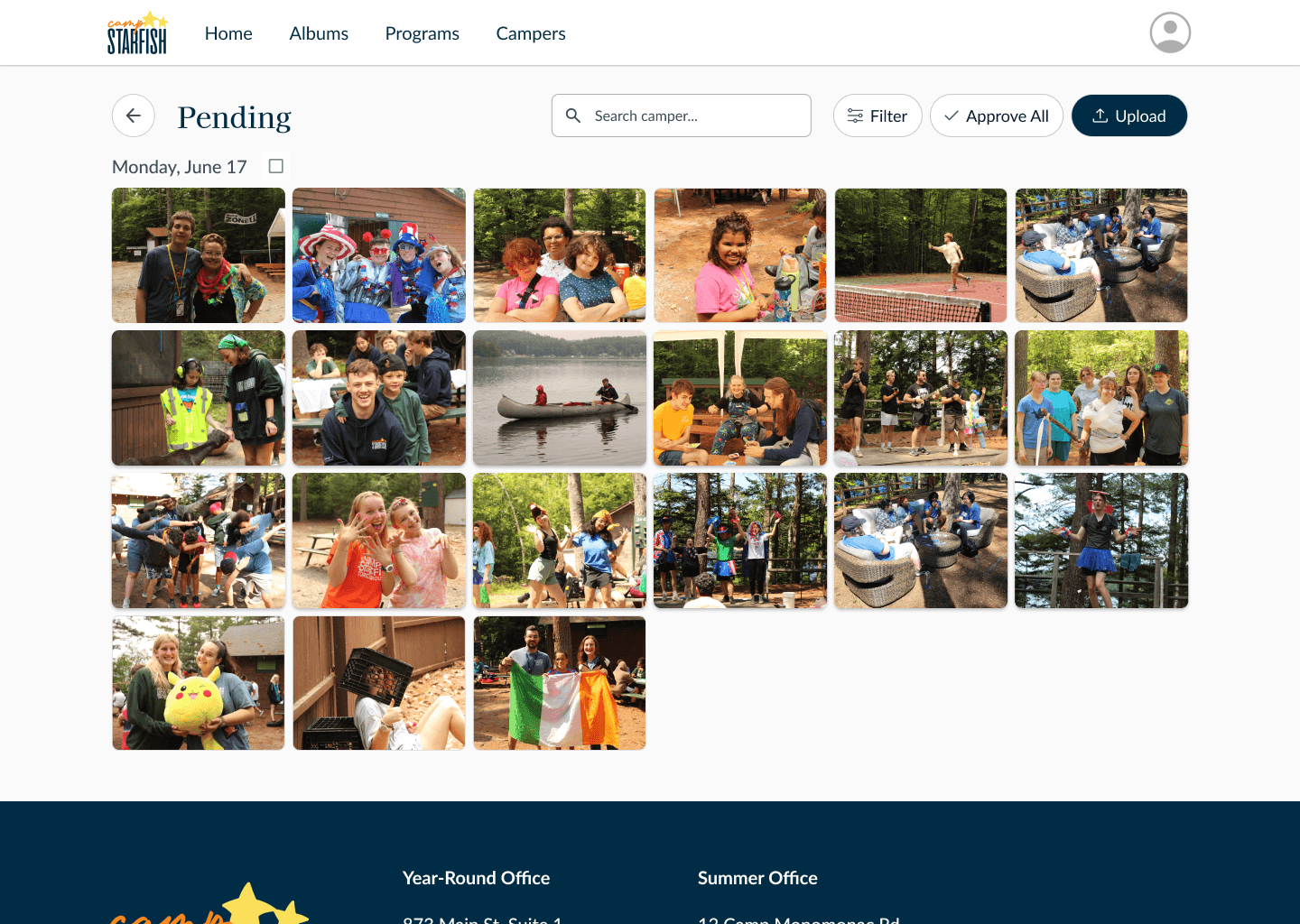
Admin Manage Pending Photos
Familiarity vs. Flexibility: Navigation That Adheres to Existing User Mental Models
I initially explored a more condensed album layout with programs and dates on a single album card, but this made photos harder to navigate and filter through.
Albums were restructured to mirror how staff already worked in Google Drive: Year -> Program -> Day.
Sacrificed some flexibility for faster onboarding and more predictable navigation at scale.
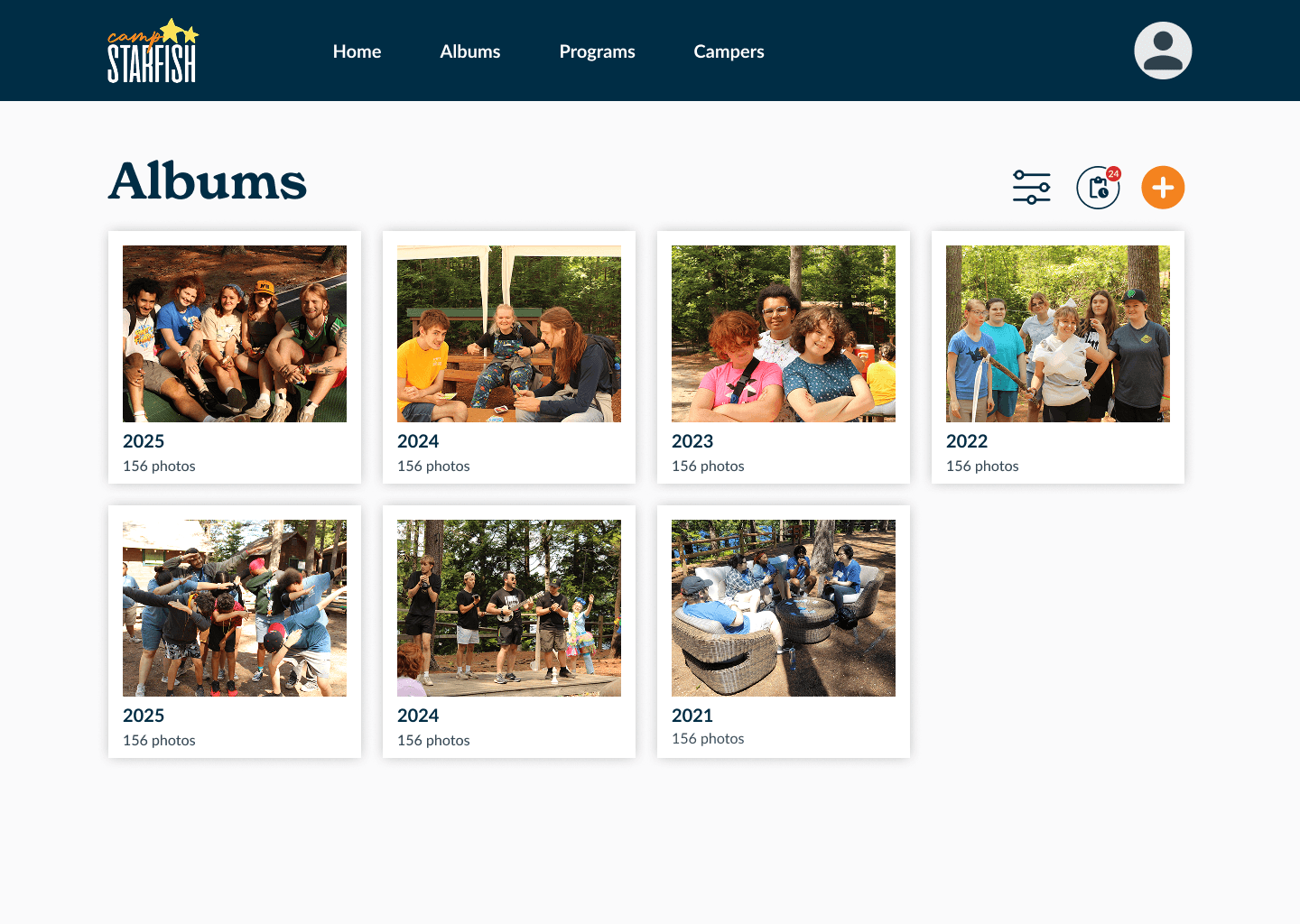
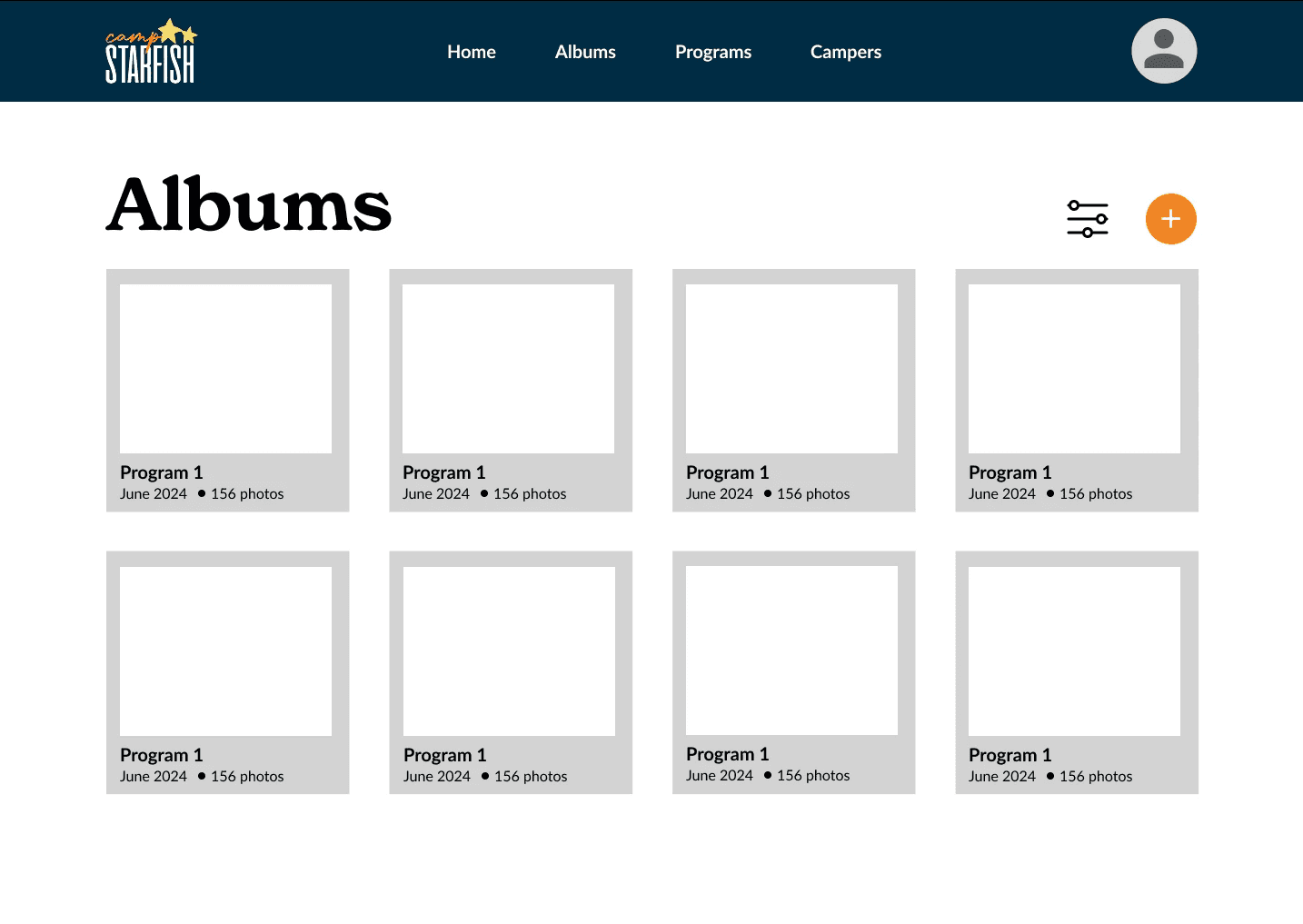
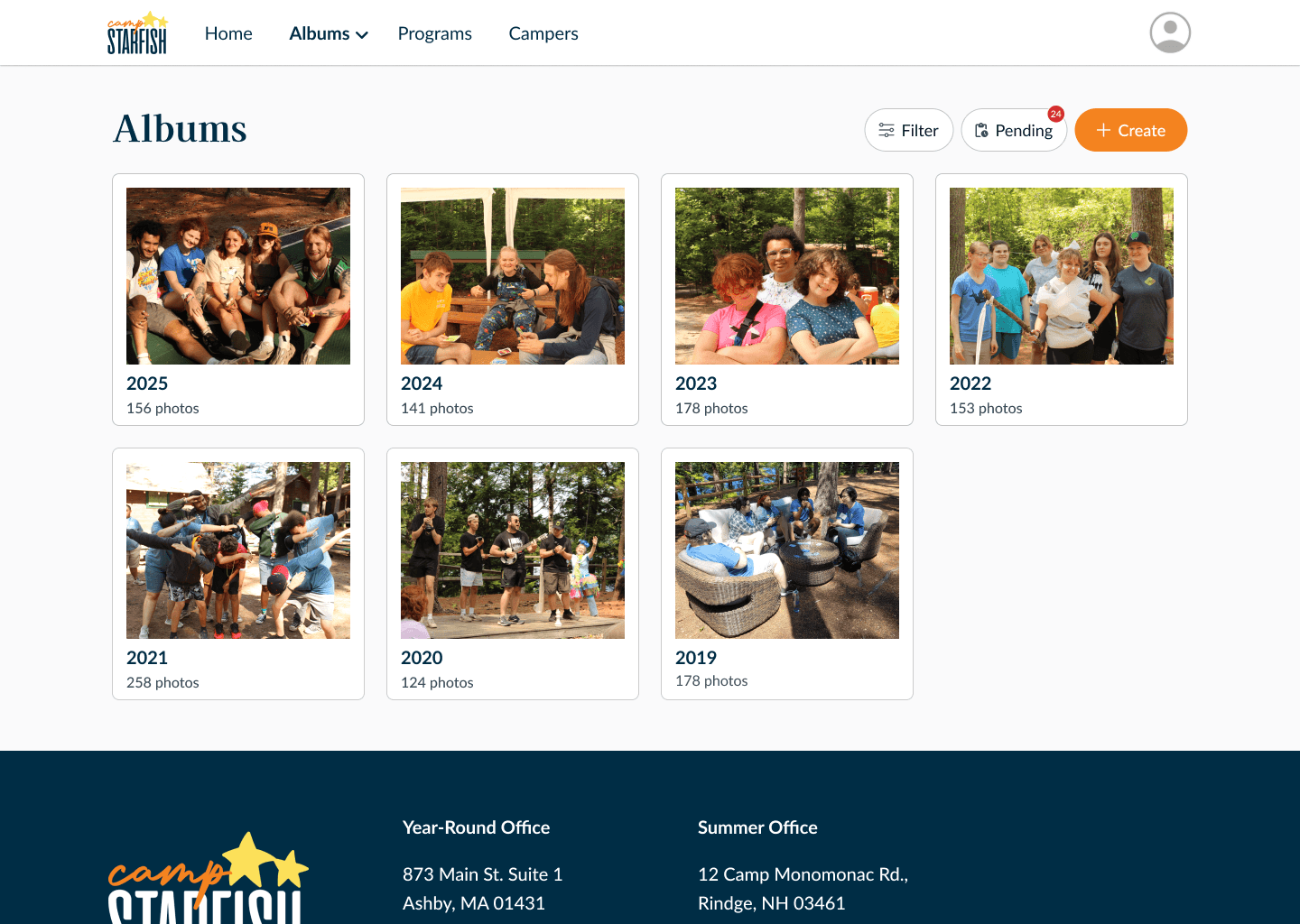
Refined album grouping to better scale for admins managing thousands of photos
Validation & Iteration
Due to our users’ busy schedules, we ran a mix of asynchronous task-based usability tests and live Zoom prototype sessions.
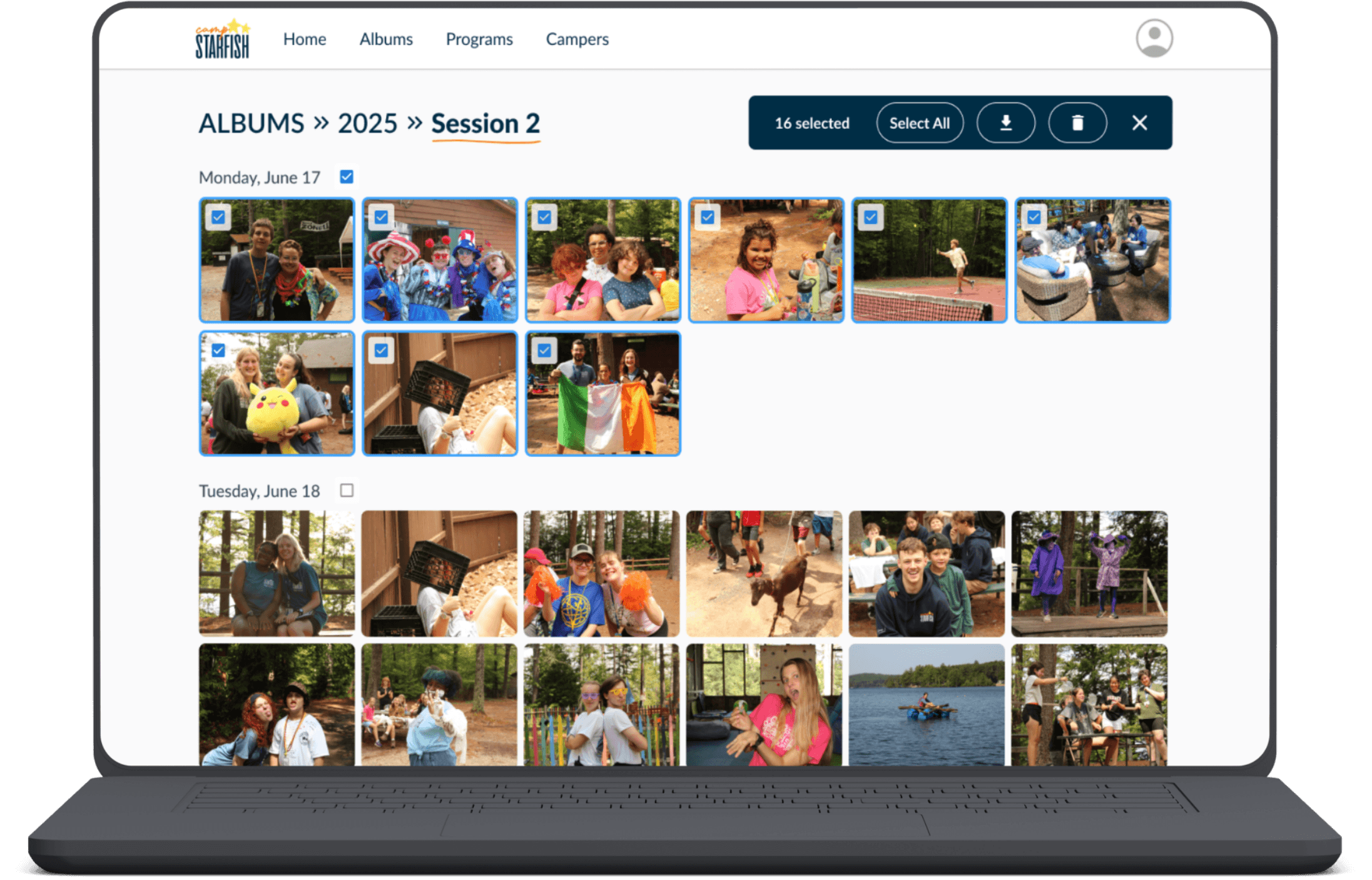
Increased bulk action toolbar visibility
The original placement mirrored Adobe Lightroom's bulk management toolbar, but our users were camp counselors with no Lightroom familiarity, not professional photographers.
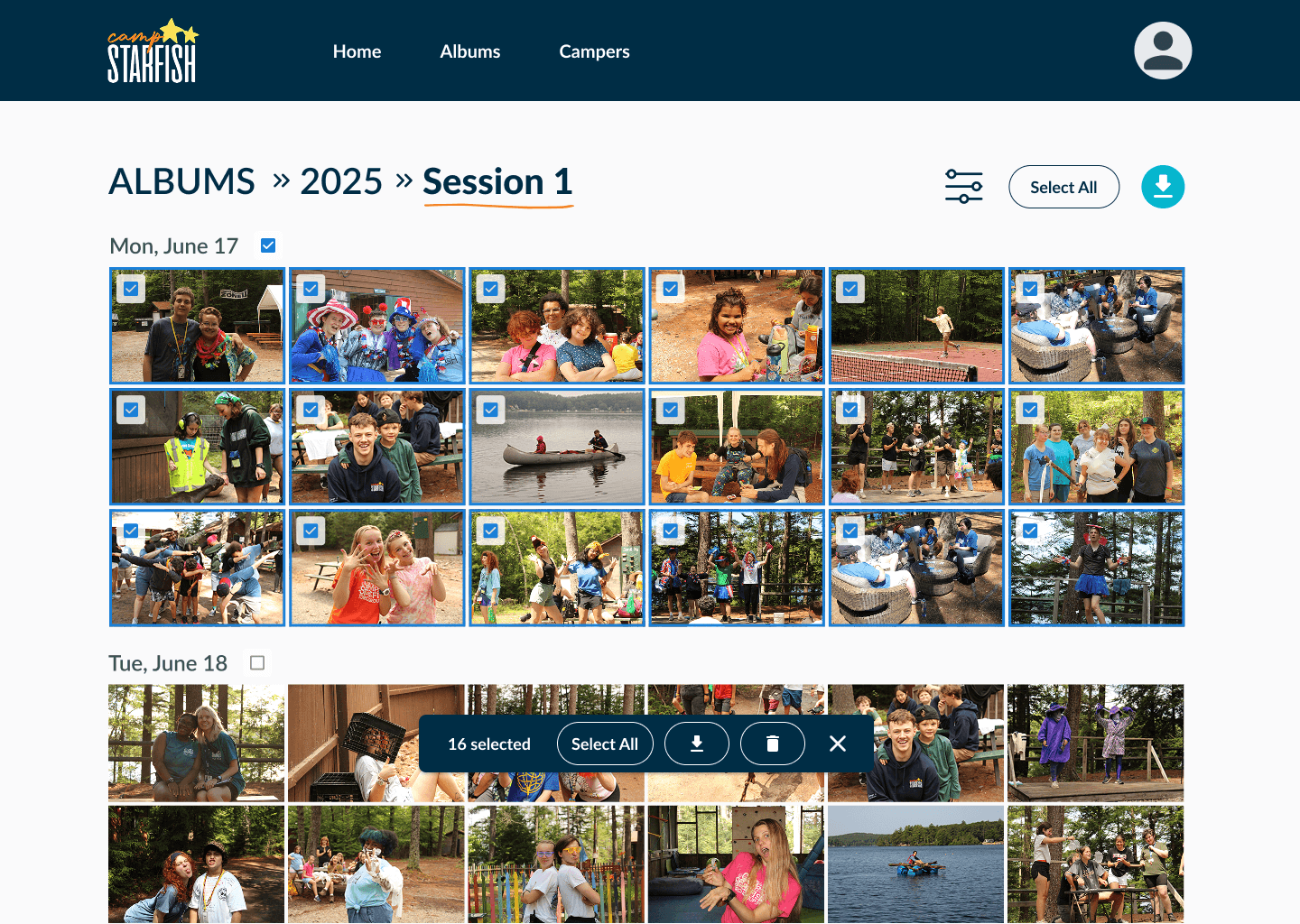
The unfamiliar placement, combined with low color contrast, made the toolbar practically invisible.
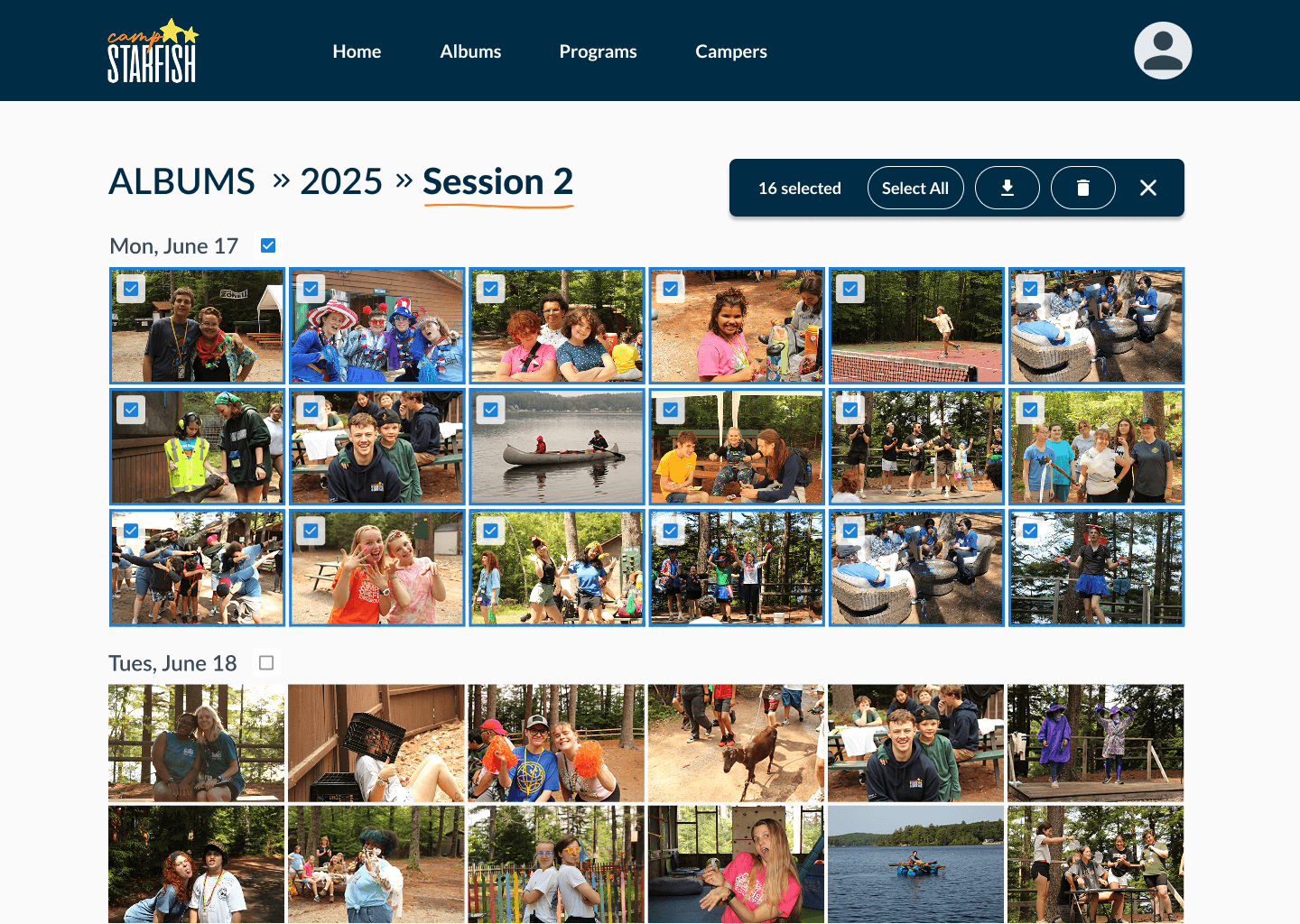
We moved it to a more prominent position and increased contrast, which resolved discoverability in testing.
Surfaced "Pending Photos" in the main navigation.
Users weren't just struggling to find the page, they didn't know it existed.
We hadn't made it clear in the UI that photos needed approval before families could see them, so users had no reason to look for it.
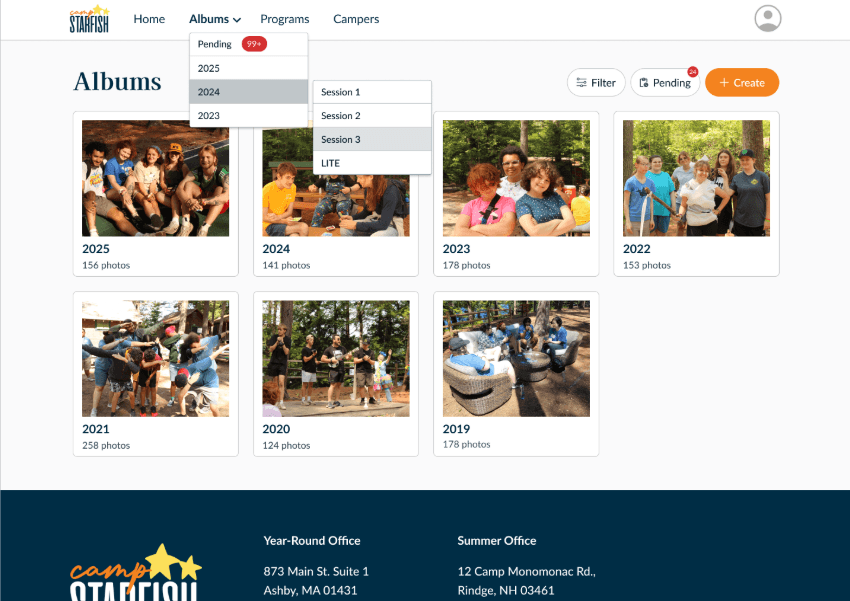
Adding it to the main navigation made the workflow visible from the start.
Design System & Accessibility
As the product grew, I helped establish a lightweight design system aligned with Camp Starfish’s brand.
Reusable components in Figma
WCAG-aligned color tokens & accessible typography
Responsive layouts


05
Final Experience
Staff Upload & Tag Photos
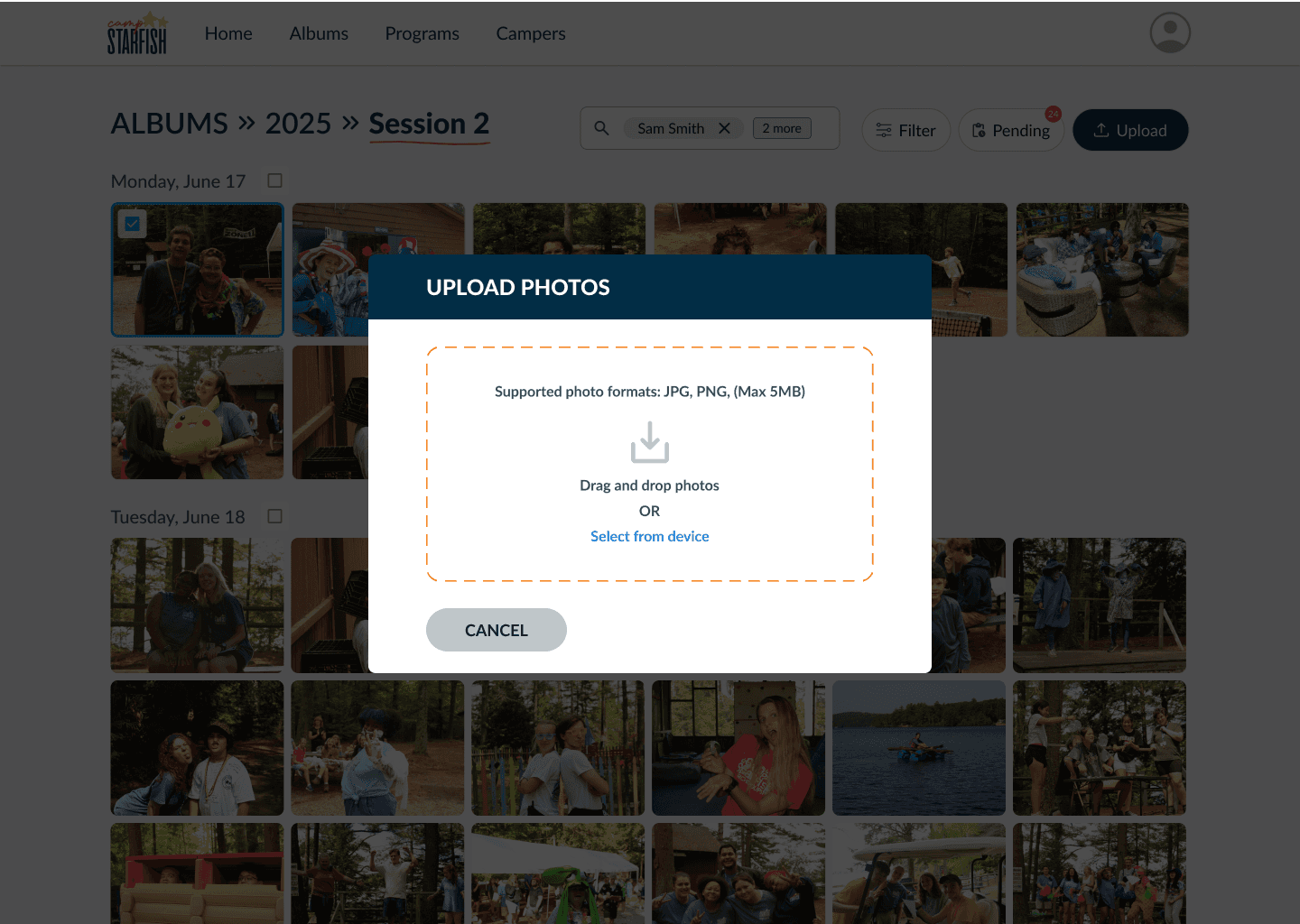
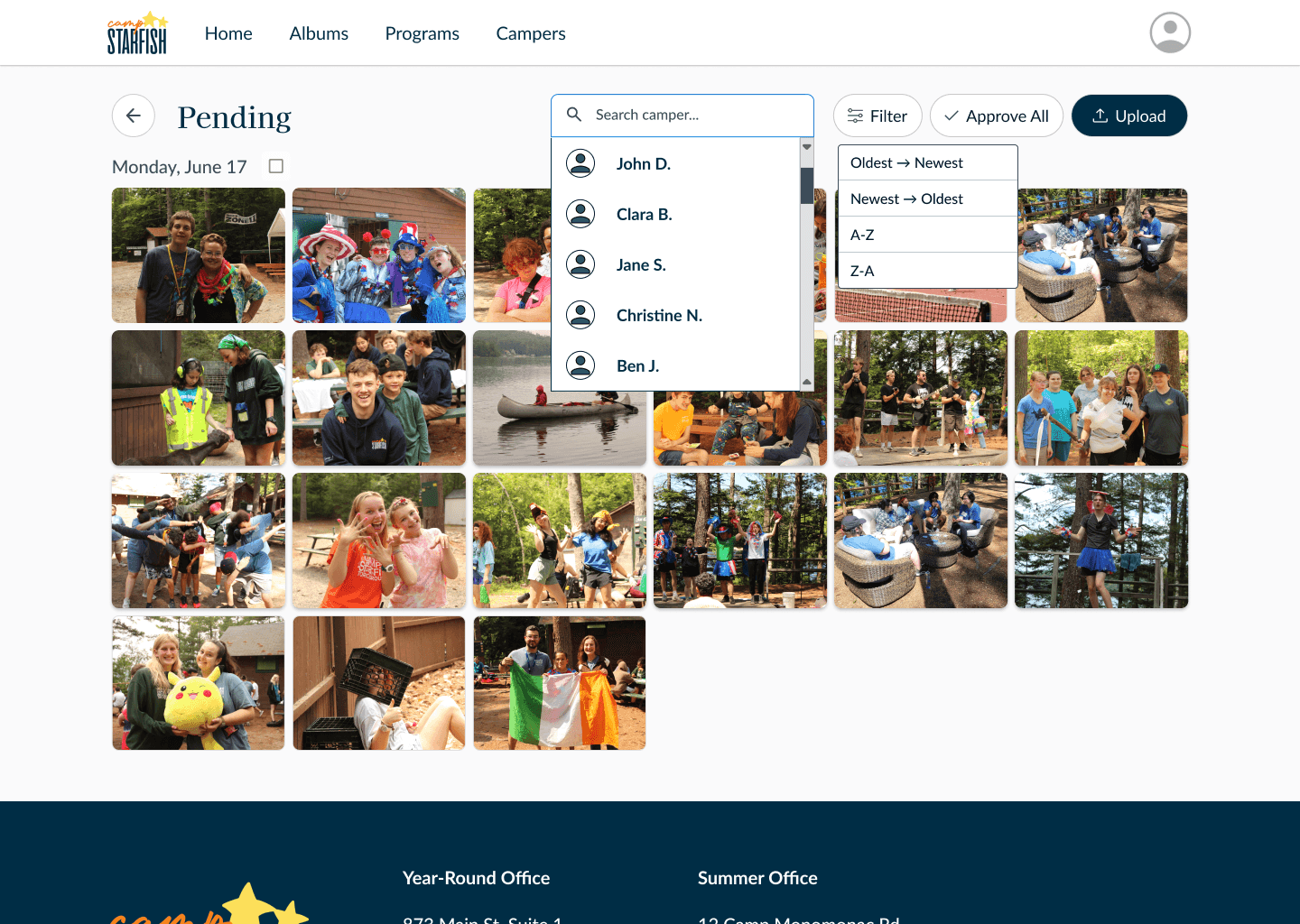
Admin Review & Approve
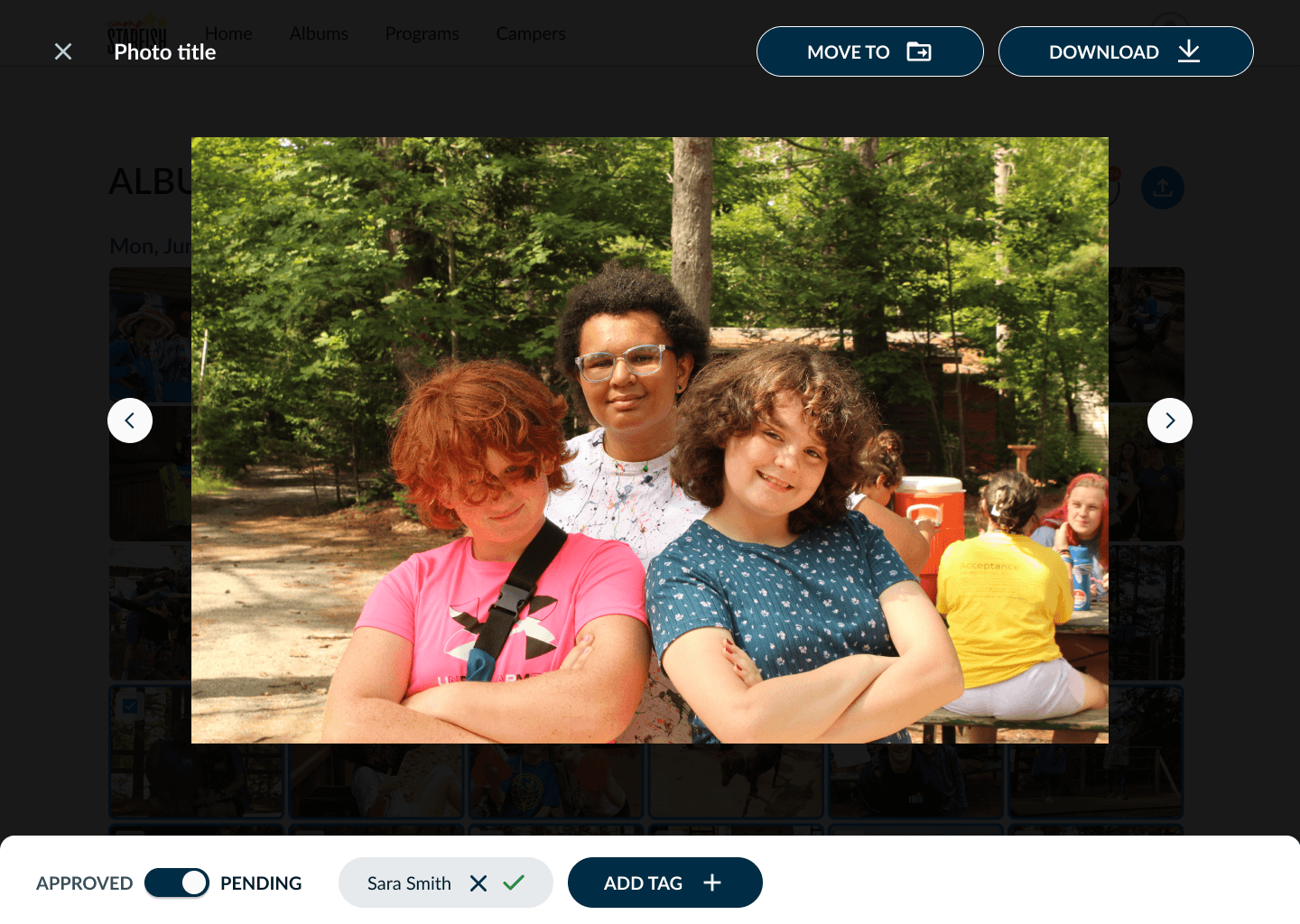
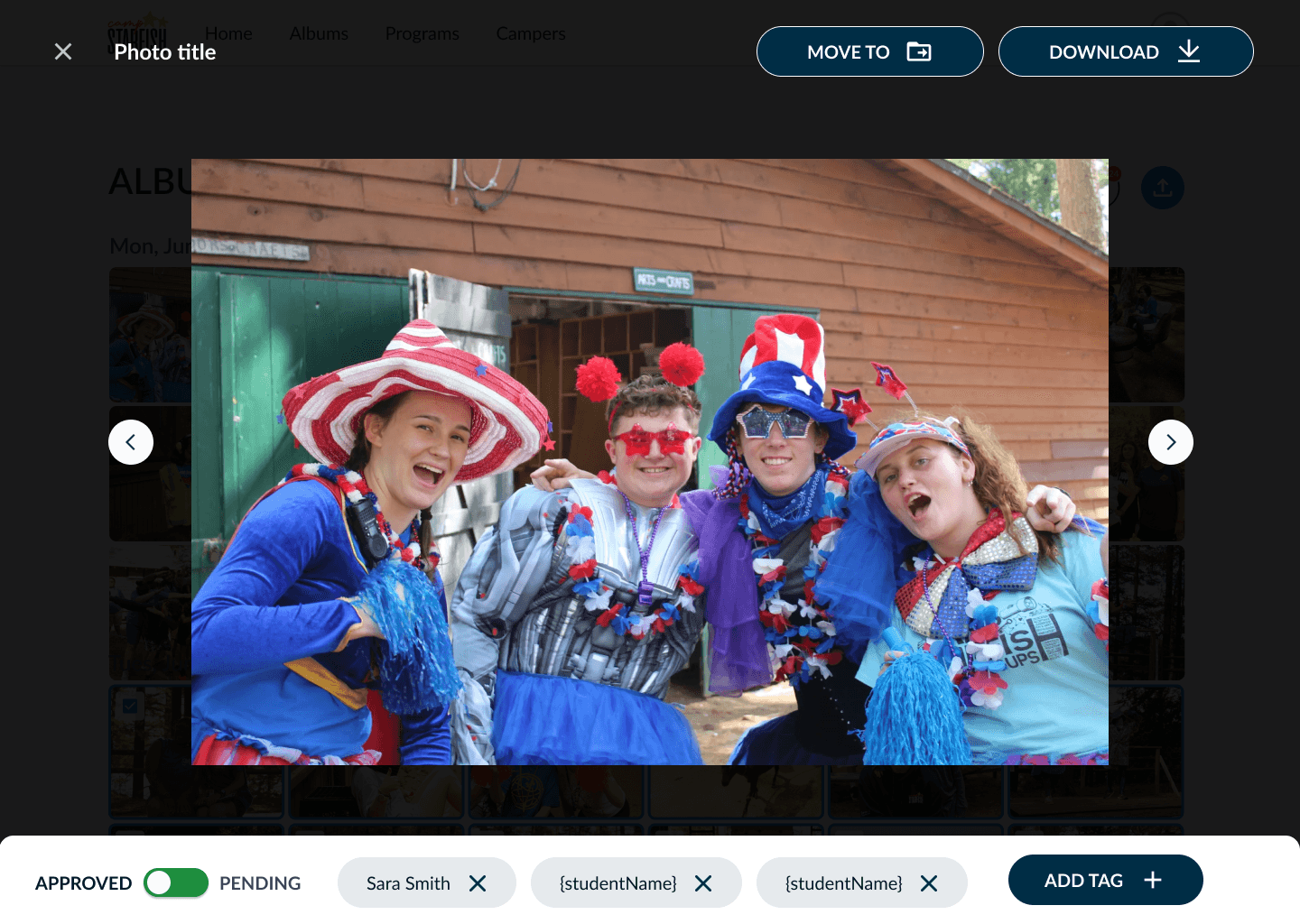
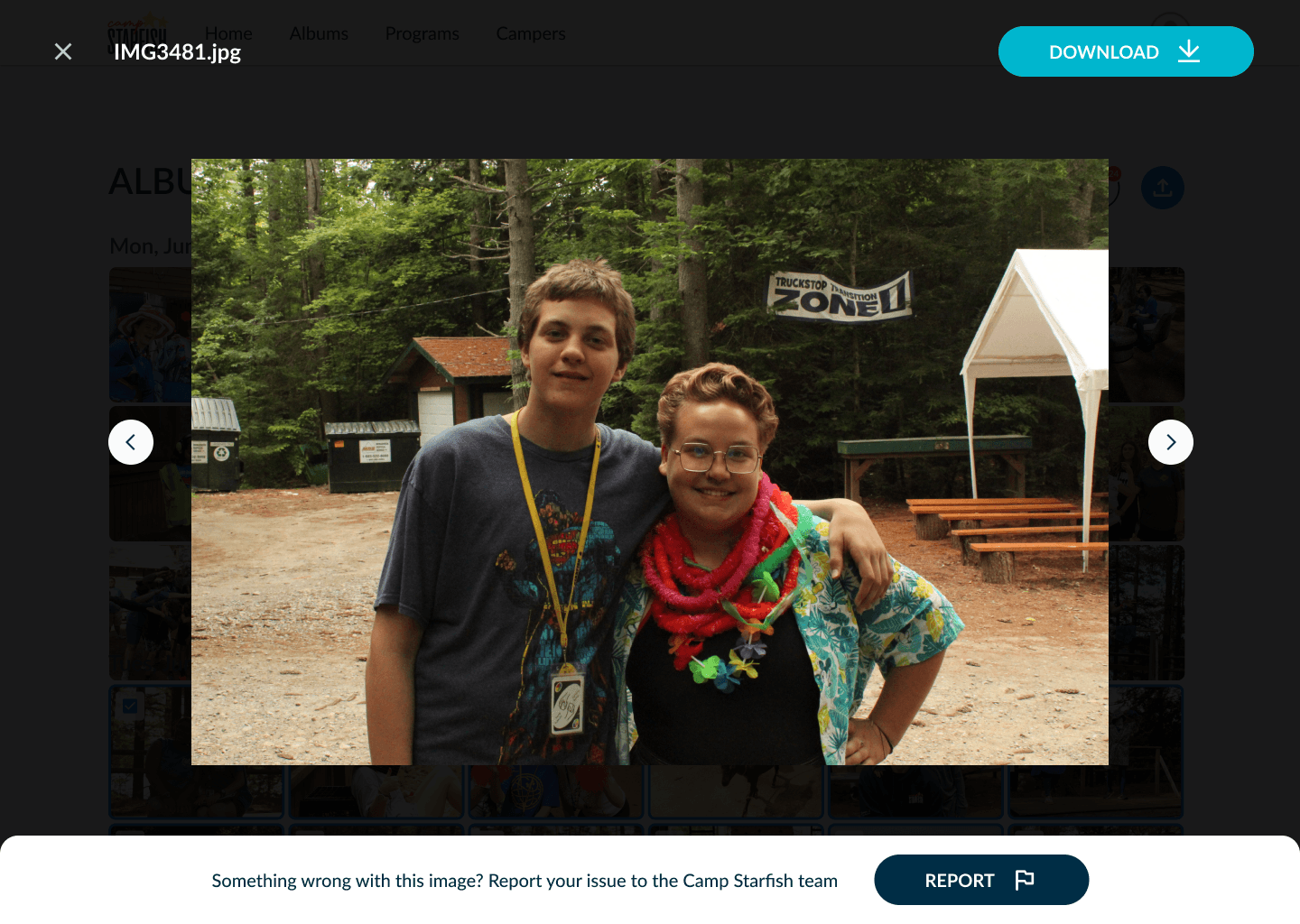
Families (and staff :) Securely View
06
Reflection
Next Steps
Observe real-world usage post-launch
Validate the full workflow from upload to approval to parent access
What I would do differently next time:
Bring up technical constraints earlier. Some implementation constraints surfaced after flows had already been refined, creating avoidable rework. In future projects, I'd involve engineering during early concept exploration to evaluate feasibility alongside user value.
Document decision rationale as the product evolves. With multiple designers and engineers contributing, documenting key decisions earlier would have made tradeoffs easier to revisit and reduced context loss during handoff.
Overall, we successfully made the photo management process easier for Camp Starfish, but the real value was seeing the impact we made.
